I am a paragraph block in WordPress Gutenberg.
In case you’re new to WordPress (Gutenberg), here is the list of things to do in order to participate in our blog chats:
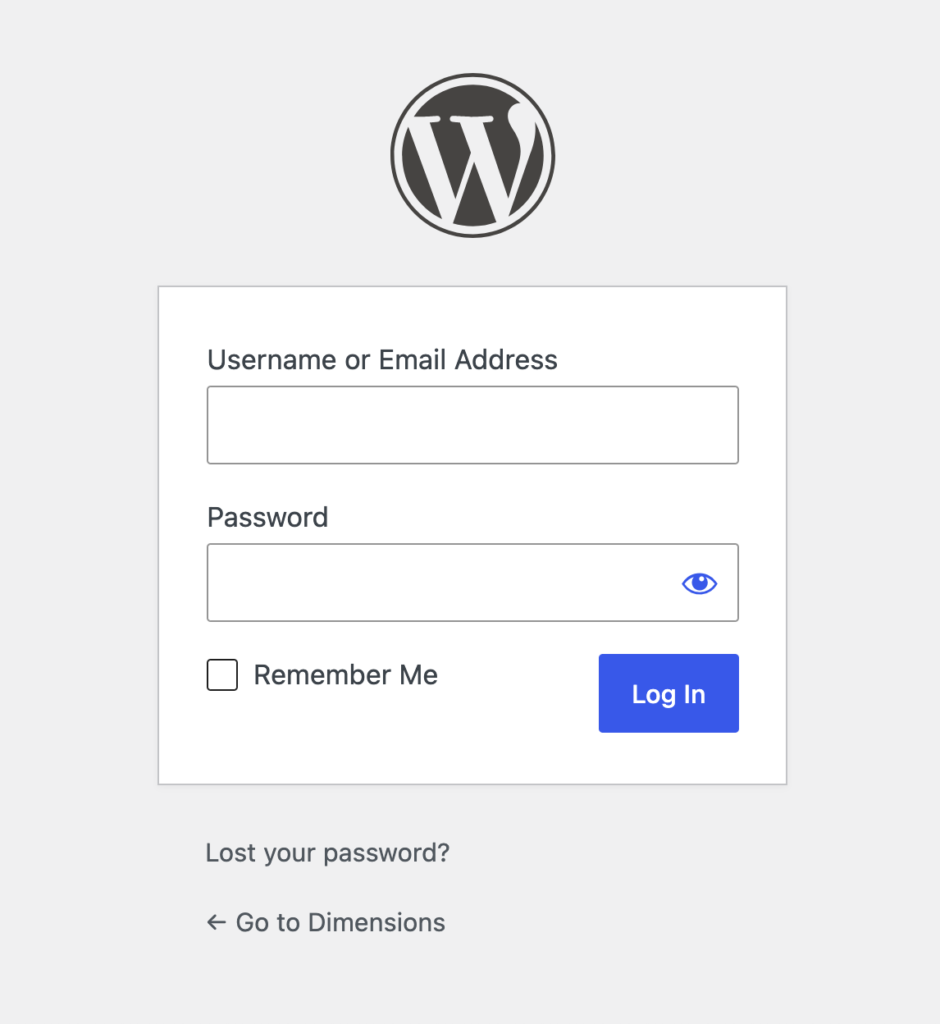
- Open the page by going to dimensions.groovdigit.com/wp-admin
- Sign in with your username and password:
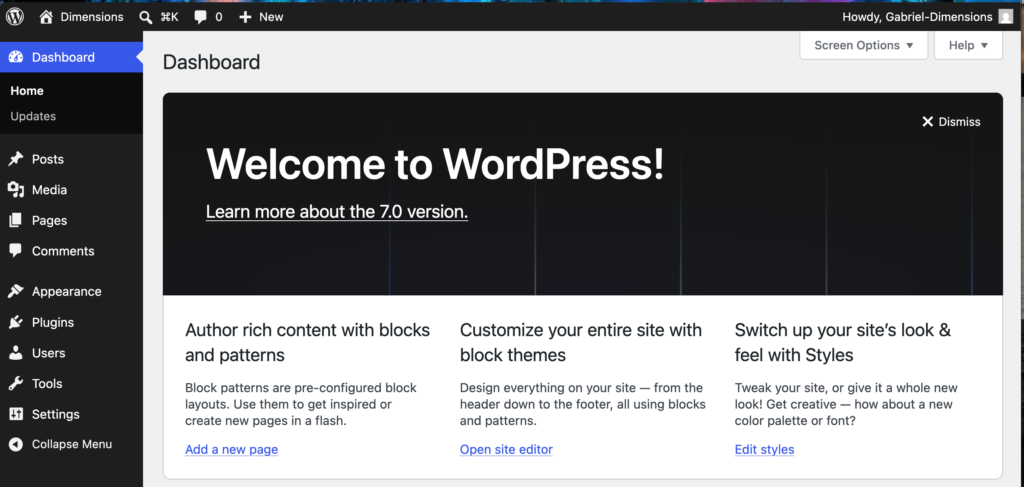
3. That will open the admin page.
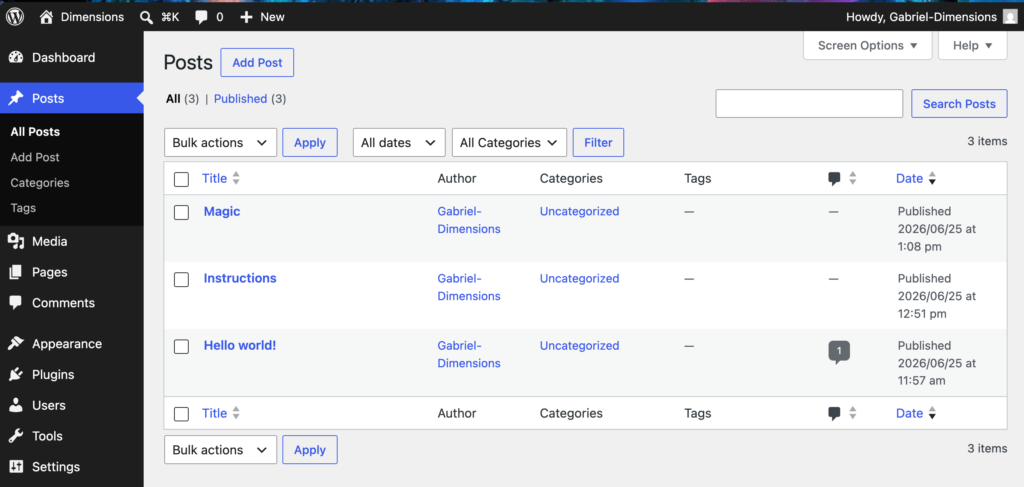
4. From the admin page you can either open an existing post by clicking on the Posts button:
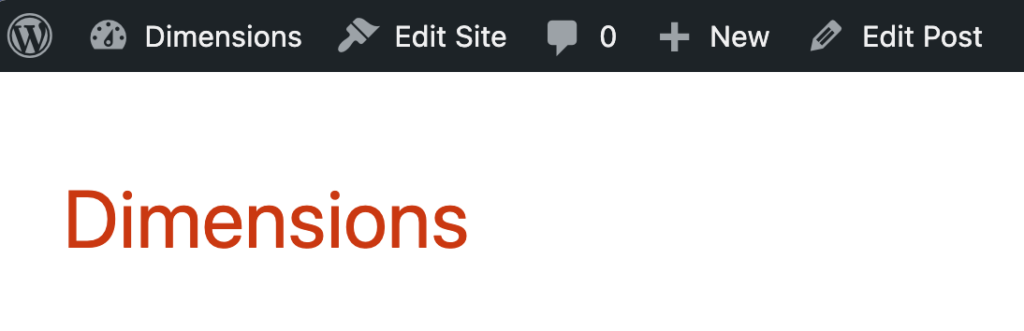
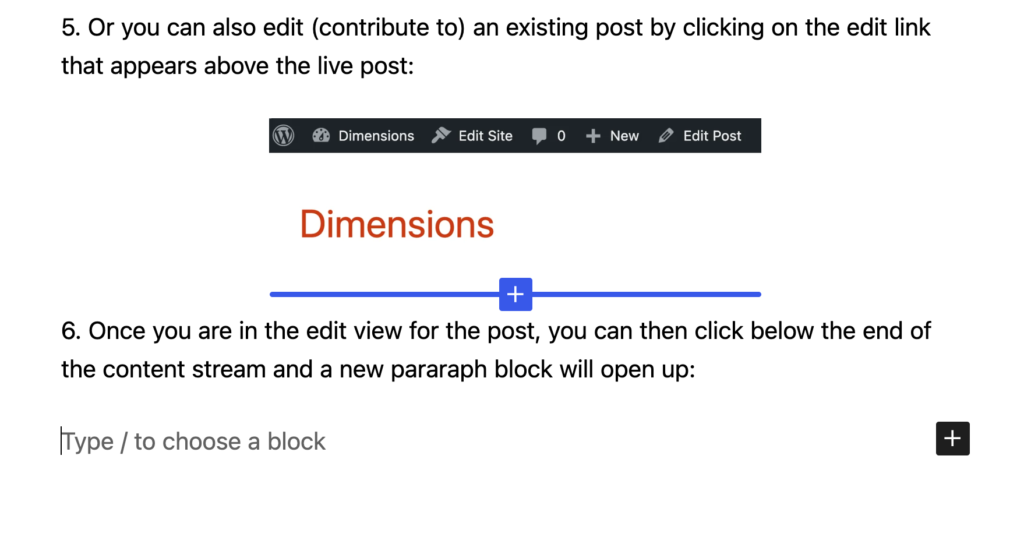
5. Or you can also edit (contribute to) an existing post by clicking on the edit link that appears above the live post:
6. Once you are in the edit view for the post, you can then click below the end of the content stream and a new pararaph block will open up:
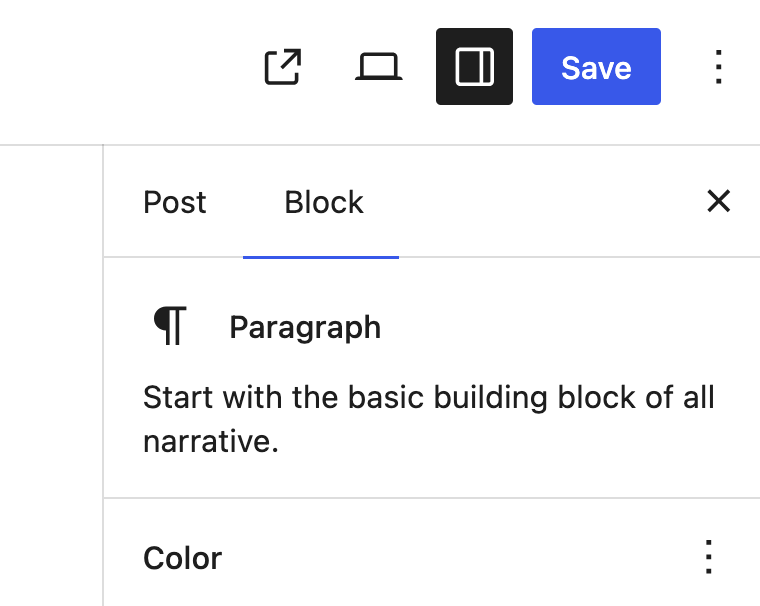
7. Then click the save button in the upper righthand corner:
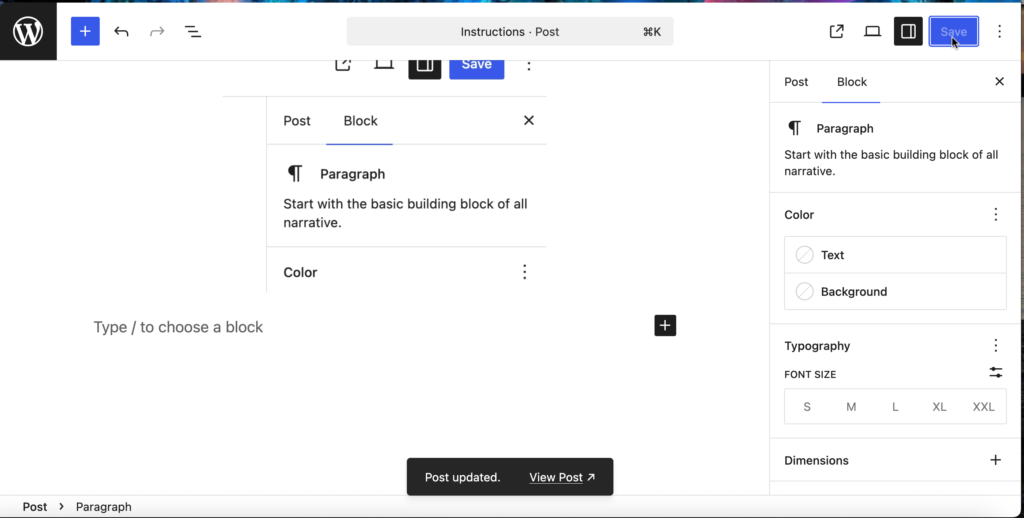
8. Once you have saved the post, a ink will open at the bottom of the screen that says “View Post”:
9. If you are new to all of this, I can go over lots more details for creating and editing posts and pages.